Thd Command⚓︎
So you’re developing an application. It works, but you question if it is efficient or not. That is where the THD command comes in. The THD command will show all of the threads that are active in each Java application that is running.
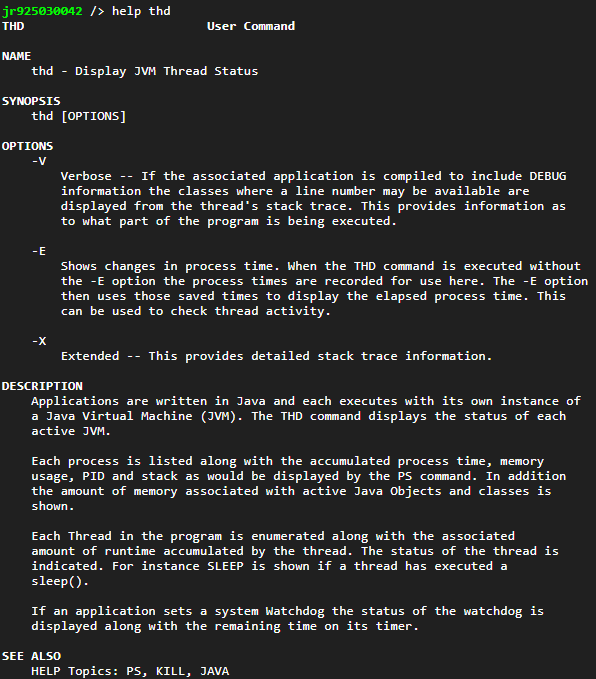
This command will also show other useful JVM information. Information such as the number of unique classes that have been loaded, the amount of memory that has been allocated to hold that class information, process time, heap memory usage, stack usage and class object memory usage.
Then each thread is listed showing its processor usage time, thread name, the class that implements the thread, parent thread, state and whether or not the thread is a daemon thread.
Lastly any Watchdog that has been activated is listed with its name, the action that will be carried out should the watchdog be triggered and how long until the watchdog will be triggered should it not be fed.