Reg Command⚓︎
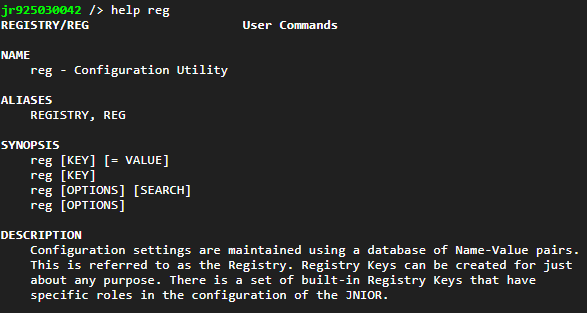
The REG Command allows you to inspect registry keys on the JNIOR, or edit them in some way.
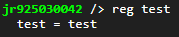
Here is an example of doing the reg command and specifying a registry key. It returns the value that registry key was assigned. Here is a key call 'test' in the root directory of the JNIOR.
If a key needs to be removed, using -d will remove the specified registry key. It will prompt you to confirm before continuing.

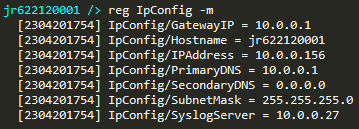
Sometimes when changing around the configuration on the JNIOR, you may be changing different registry keys to get your desired setup. Some point in the future, being able to check when those registry keys were changed can be useful. Doing the reg [registry key name] -m command allows you to get the timestamp of the last a time a registry key was changed. The timestamp format is [YYMMDDHHMM]
For example, if you wanted to see the last time the IP of your JNIOR changed, you can type ‘reg IpConfig/IPAddress -m’ in the JNIOR command line, and it will return the last time the registry key for the JNIOR’s IP changed.

You can also do this command for registry folders, which will return the last time each registry key in that folder has changed.