Manifest Command⚓︎
The MANIFEST command is a utility that you can use to monitor the health of the file collection on the JNIOR.
If you copy a file from your PC to the JNIOR how do you know that the file has completely and accurately transferred?
Let’s look at the DCP file /flash/www.zip. Let’s see how we can tell if it is perfect.

MANIFEST tells me the size of the file and also the MD5. That is a unique (ugly) hexadecimal value calculated from the file content. If I calculate the MD5 for the file on the PC it should match. So lets see.
There are many ways to get the MD5 of a file. I found this tool that you install and it adds this to the properties dialog. Here is the link http://code.kliu.org/hashcheck/. It’s sweet.
Don’t like the MD5 hash then use the -H option for the SHA-1 hash. It still matches!

Or the -C option for the simpler CRC32. It still matches!

Pretty sure that file is accurately over on the JNIOR. What do you think?
It is not just about comparing checksums or hash values. You can use MANIFEST to monitor the ongoing status of your files. Here is the HELP for the command.
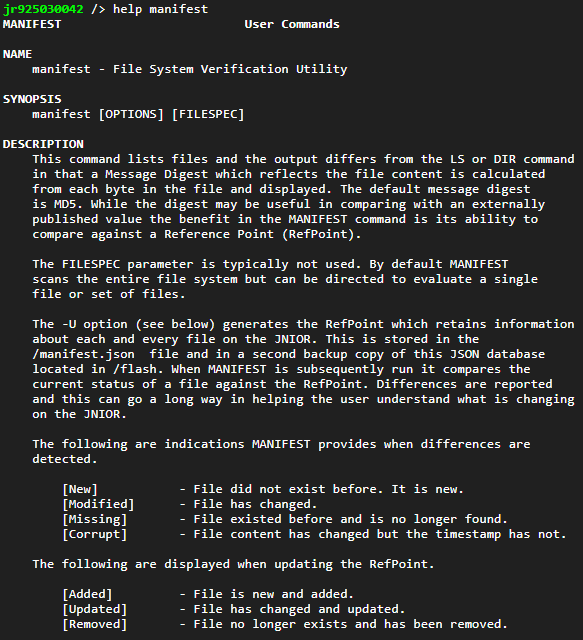
Okay so we have experienced the -H and -C options. The -S (and -R alias) seems straight forward. If you use a wildcard this option will process subfolders as well.
The -U option creates a reference point. This is a manifest.json database containing file details. MANIFEST can use this database at a later time so you can detect changes, new files and missing files. In short, you will know what has changed and what has not on your JNIOR. That has some merit.