Help Command⚓︎
This post was updated for OS version 2.5.1
The HELP command provides basic information about syntax and options for each and every command. If issued without parameters it lists all of the commands available to you at the JANOS Command Line.
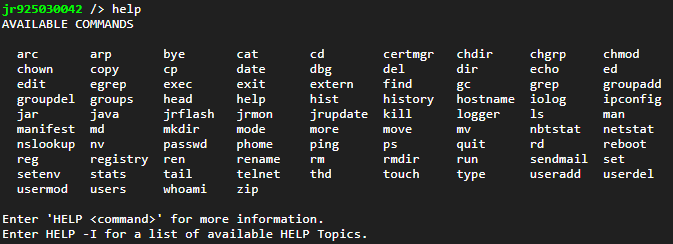
Note that this list depends on the user’s permission level. The list above covers all commands. It is displayed for Administrator accounts.
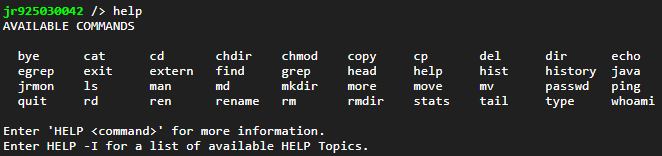
The list is reduced when not an Administrator. These are the command available to a user with the Control permissions flag.
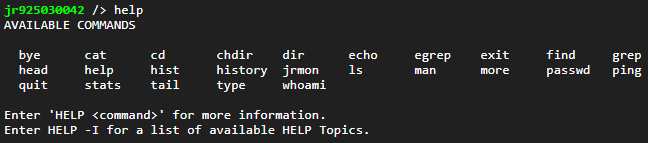
And if you are logged in as a guest with an account that neither has the Administrator flag or the Control Flag then this is all you can use.
The HELP command has an alias MAN. JANOS wants to seem familiar to new users and so tries to be a bit flexible. For this reason both DIR and LS perform the same function.
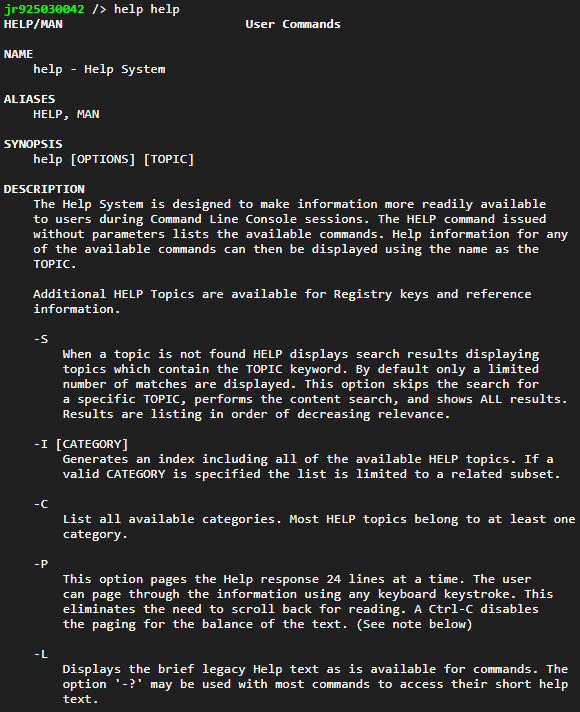
If you provide the name of a command as a parameter details for that command are displayed.
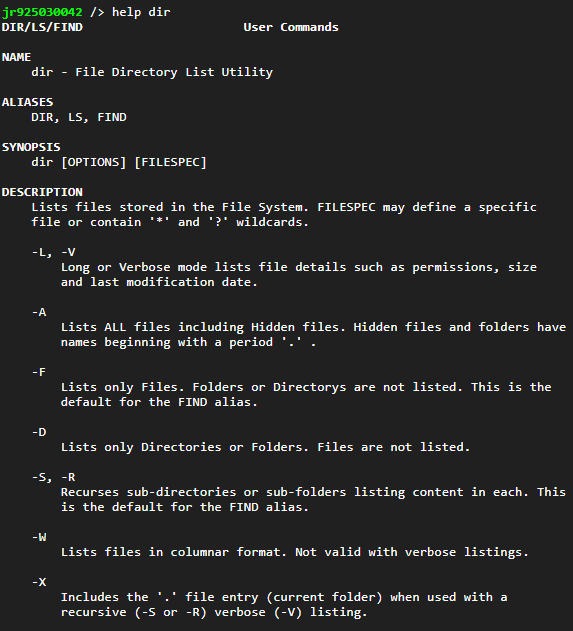
That includes itself.
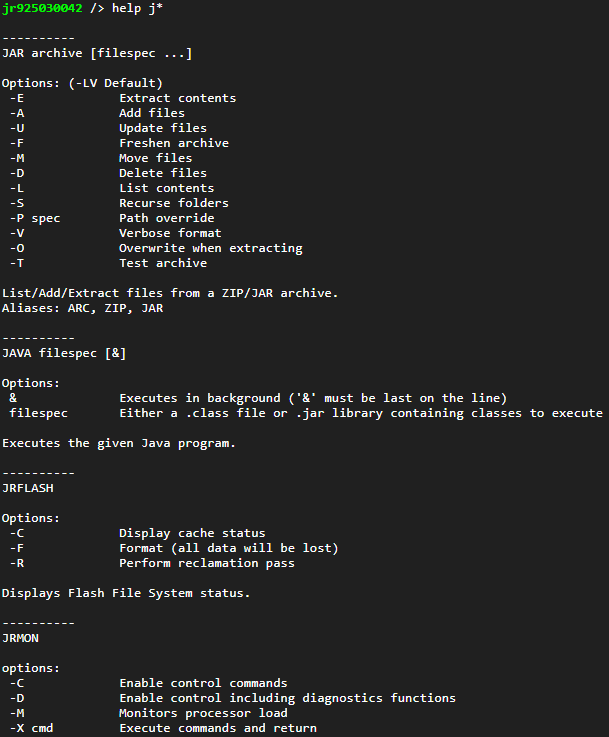
The command string supplied to HELP may include simple wildcards. For example:
For more information, there is a download of our USER manual available. Pg 39 is the User Command section that goes over all available commands in the command line.