Find Command⚓︎
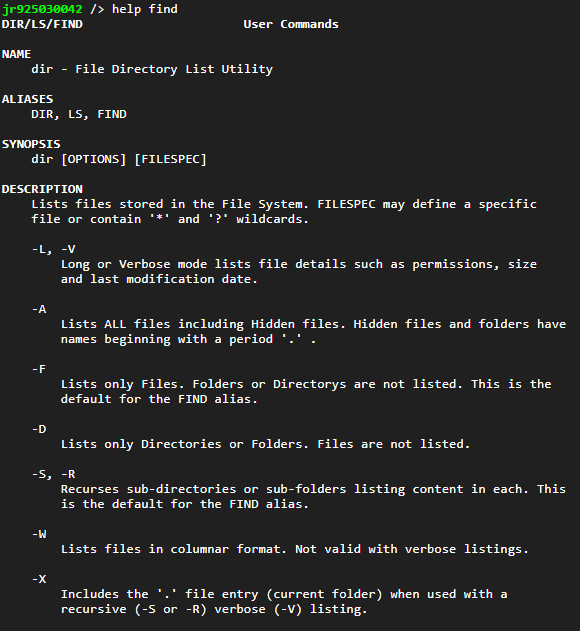
FIND allows you to use a string to search for files with names matching it on the JNIOR.
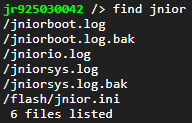
For example, you can search for all files on the JNIOR that have the word 'jnior' in them:
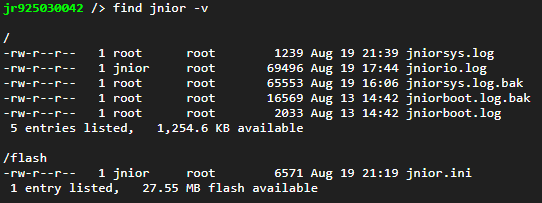
Using -v allows you to get extra information on each file returned from the command, such as location, size, and when it last changed:
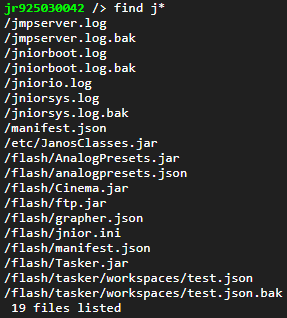
To broaden a search, * can be used for wildcard values allowing you to do searches from less info. Here our search looks for files that contain a 'j' in them: