Cat Command⚓︎
The CAT command outputs the content of a file to the display. It has an alias the TYPE command.
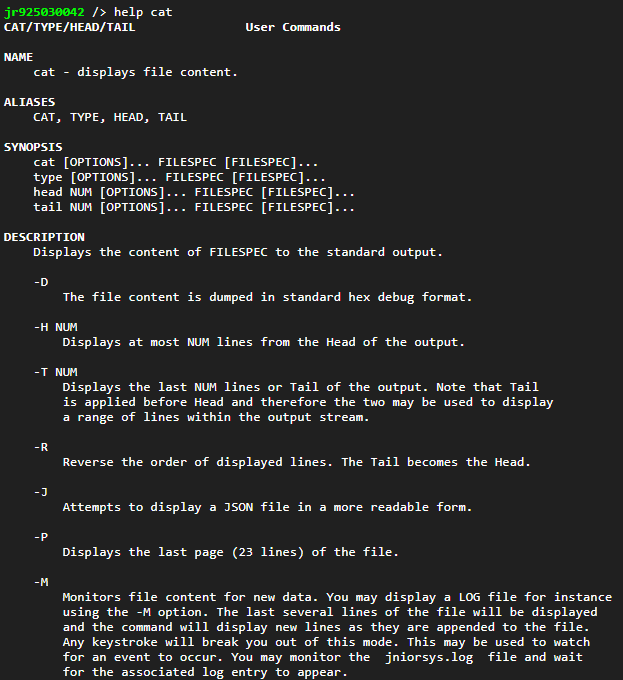
This is obviously meant for text files such as the LOG files (jniorsys.log for instance). But there are a couple of options.
The CAT -P option displays the last 25 lines of a text file. The jniorsys.log file can get quite lengthy as it may contain up to 64KB in characters. Each new event is added to the end of the file (displayed in reverse order in the Syslog tab of the DCP). So if you are interested only in the most recent events, use the -P option to display just the end of the file.
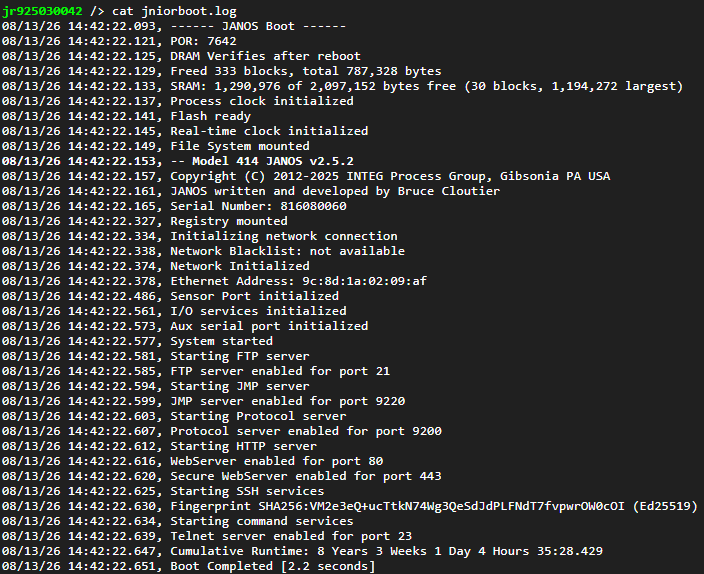
Here’s an example of a text file.
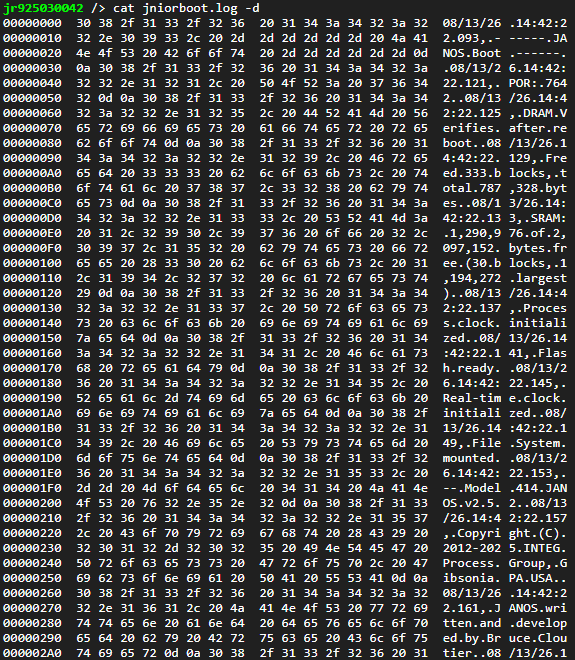
The CAT -H option dumps a file in hexadecimal. I’ll insert it in a CODE box so you can scroll it.
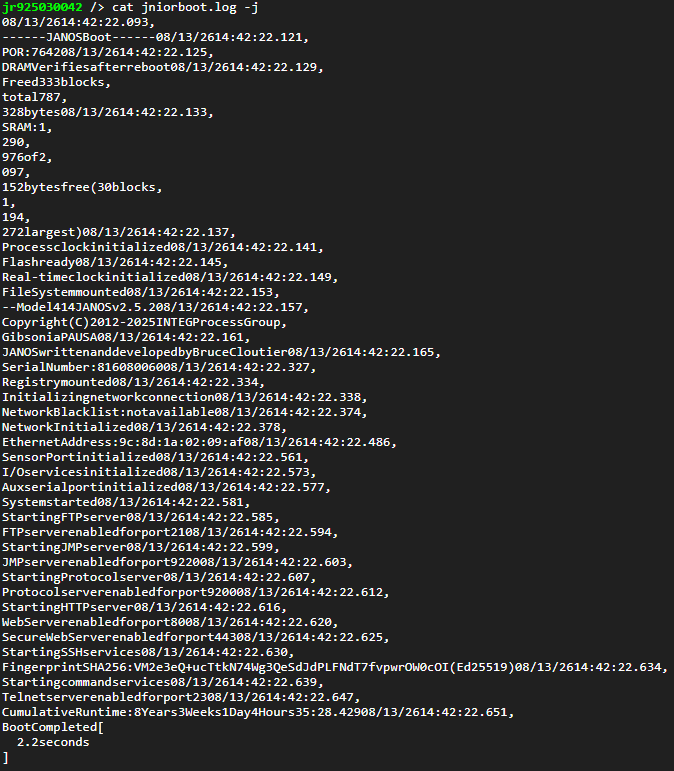
And finally one interesting option. The CAT -J command will format a JSON file. JANOS can work with JSON and you may create files in that format for configuration or database operations. The MANIFEST command keeps its database in JSON format. I’ll dump it and add it here in a CODE block so you can scroll through it.