Create or Open a Workspace in Tasker
Workspaces are files that contain configuration for Tasker. Tasks, Devices, Loggers, Signals, Triggers, and Schedules are all saved in a Workspace file.
Multiple workspace files can be loaded on the JNIOR at the same time, allowing you to load more complex logic. Using multiple workspaces enables you to organize features into different setups that function separately from each other.
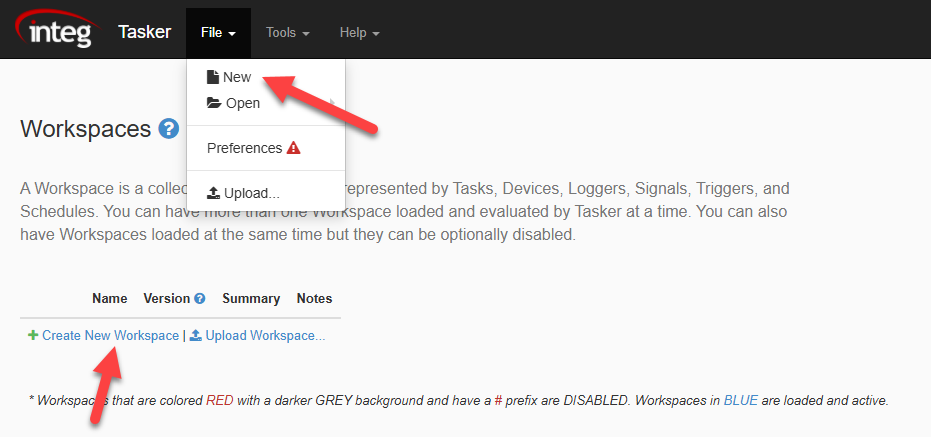
Tasker will not have any workspaces loaded when it is first loaded. You will be presented with a home page where all available workspaces will be displayed.
To create a new workspace, you can either select the ‘Create New Workspace’ button or select ‘New’ under the file dropdown.
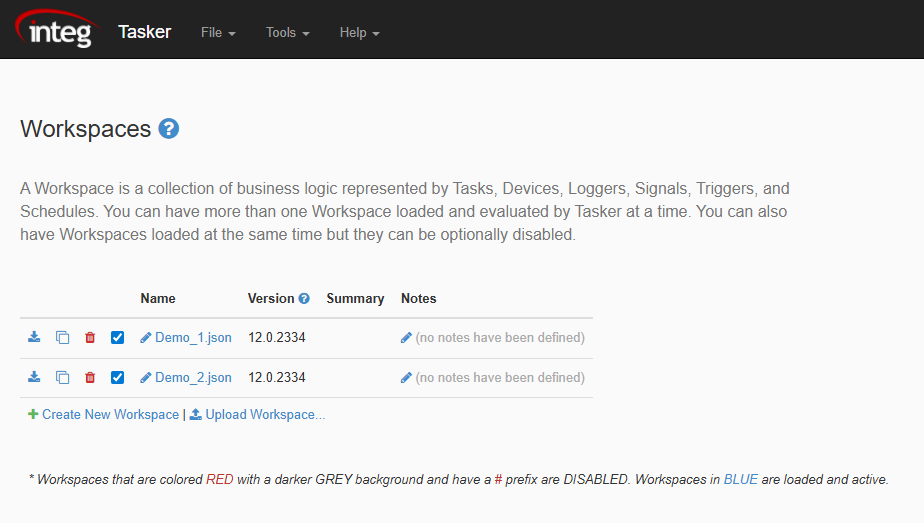
Once a Workspace is created and saved, the home page will appear differently the next time you view it. Here we have created two workspaces to illustrate this.
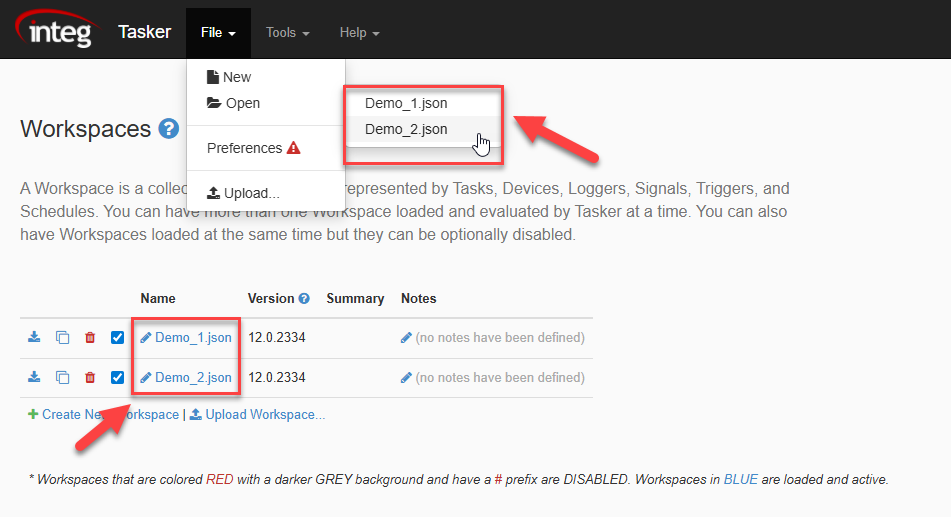
When trying to reopen a workspace, you can now select them directly from the home page or by using the ‘Open’ option in the file dropdown.